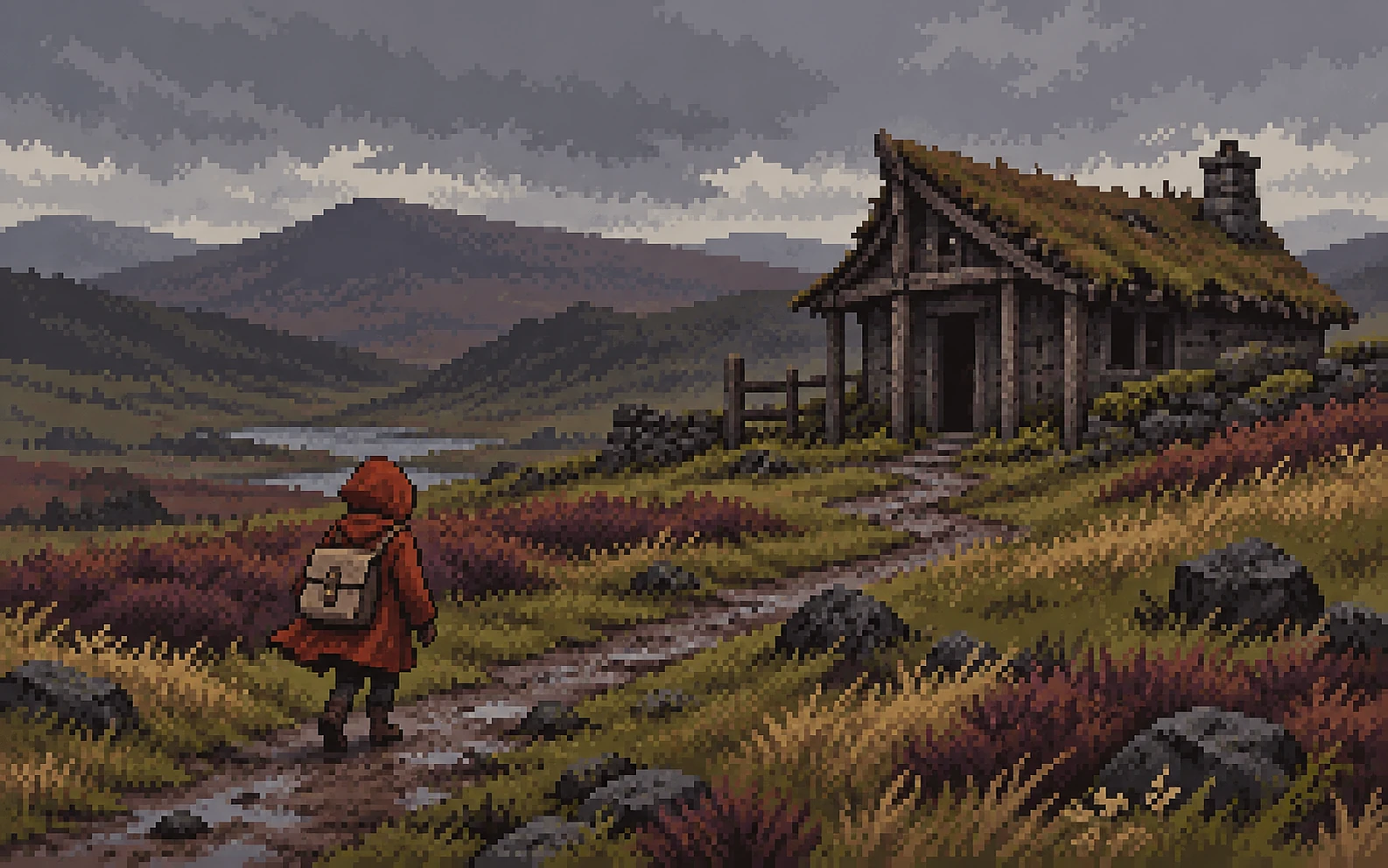
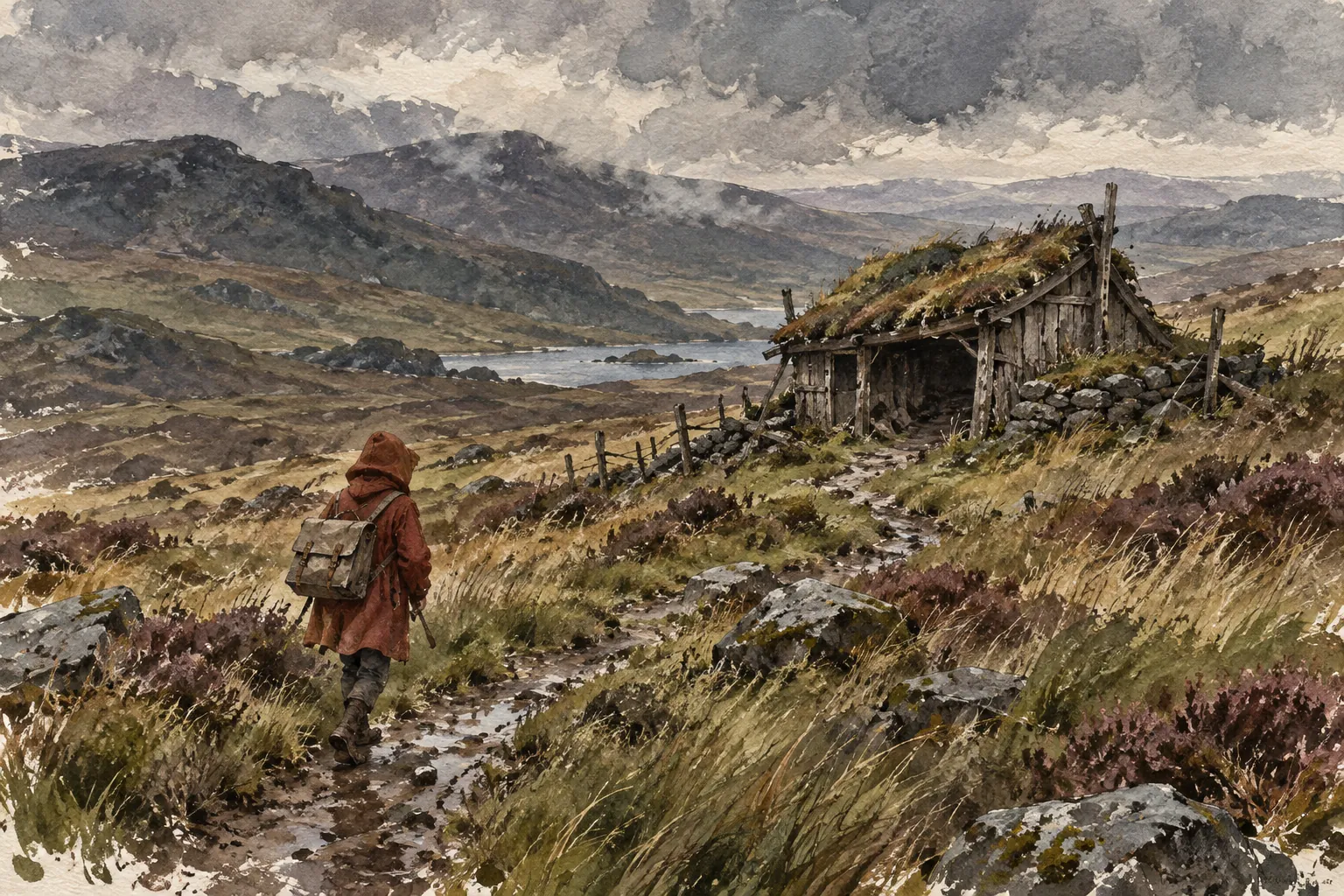
01Make style concrete
Describe the medium, palette, materials, camera and light. “Beautiful fantasy art” leaves all of those choices to the model. “Ink and clay tones, weathered timber, flat winter light, fixed side-on view” gives the image a direction.
02Give references a job
One image might define a character’s identity, another the composition, and another the surface treatment. Name the roles and say what to borrow. Attach the actual images when you generate; the descriptions here are instructions.
03Plan the frame
Choose the focal point, viewing angle and crop. Leave quiet areas for gameplay or UI. Top-down orthographic means directly overhead; isometric shows the top and sides.
04Revise narrowly
Name the change, then list what must stay. Reuse the approved output as the next input. For local edits, make the selection or mask in the editor and inspect the result for drift.
05Check the actual asset
Inspect at the size your game uses. Check real alpha, repeated texture edges, silhouette and alignment. Generated tile geometry and sprite sheets need production review. Build exact road connections from your geometry or vector master.
06Compare fairly
Use the same brief, reference inputs and comparable settings for a fair model comparison. A model-specific version tests your workflow. Save both versions and record the actual provider model, rather than treating guide labels as endpoint IDs.